
Quick navigation with Cmd+K
Quick navigation with Cmd+K
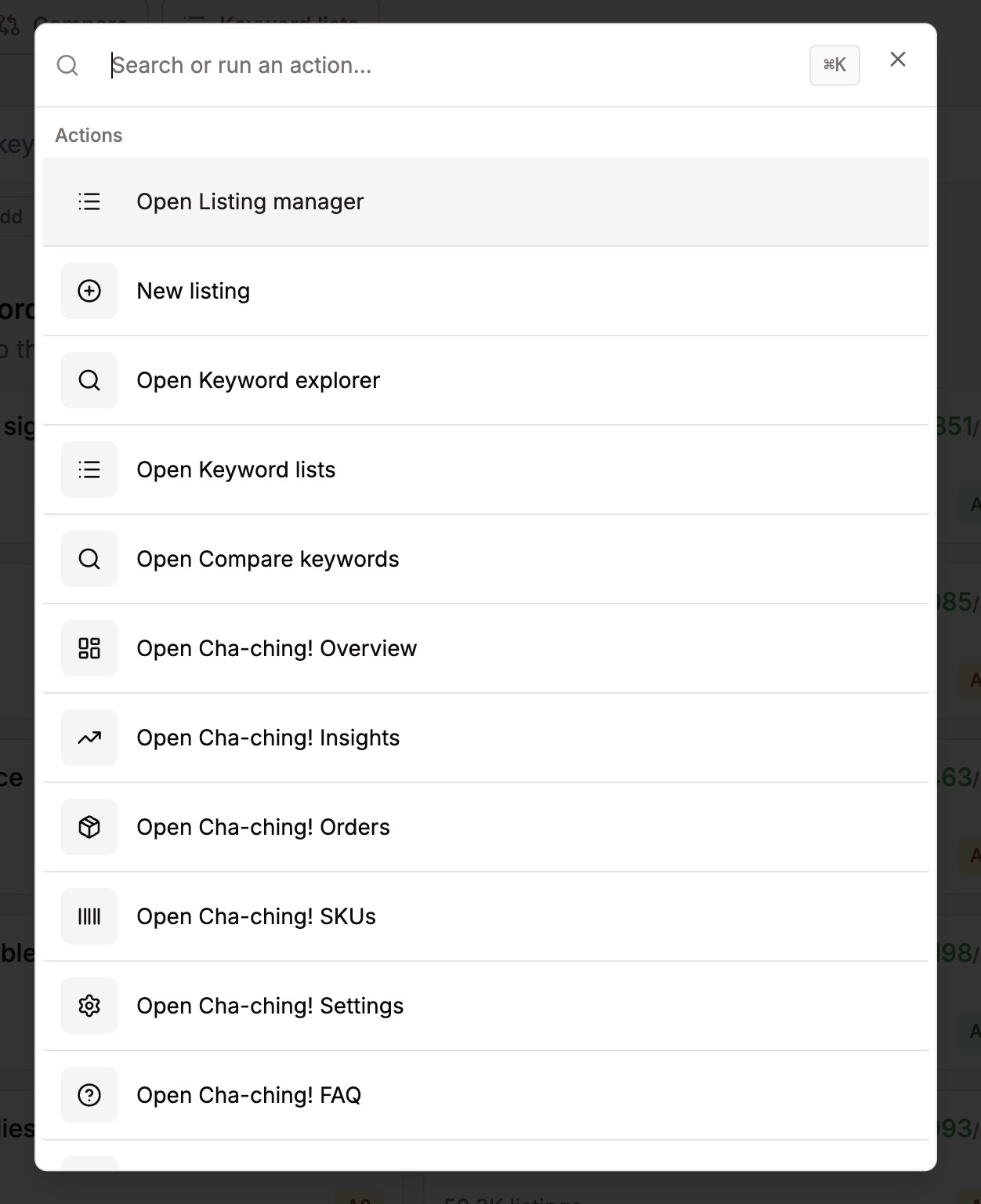
Press Cmd+K (or Ctrl+K on Windows) anywhere in Listadum to open quick navigation.
From there you can jump between pages, search for a listing, and get around the app fast without clicking through menus. If you like keeping your hands on the keyboard, this is the quickest way to move around.
Was this helpful?
Was this helpful?